Visuals on demand

Studio-quality renders. Without the studio.

Generate photorealistic renders, finish options, and flythroughs from your existing 3D model — without the studio brief, revision cycle, or three-week wait.

RayWhite Logo
Montgomery Homes logo.
AV Jennings logo.
The bottleneck

The work is ready before the assets are.

The design changes. The campaign needs visuals. The sales team asks for something by Friday. But the render process still runs on briefs, queues, revisions, and waiting.

The studio queue slows the campaign

By the time the render comes back, the design has already moved on.

Every change becomes another brief

New finish. New facade. New angle. New wait.

Your best work sits unseen

The home won’t be photographed for months, but the market needs content now.

Only hero projects get the full treatment

The rest of the pipeline goes under-shown because visual content is too expensive to scale.

The model already exists. The visuals should not be weeks behind.

Generated from the model

The model is already there. Now the visuals are too.

Generate renders, design variations, flythroughs, and campaign visuals from the same project source — so your marketing keeps pace with the design.

Create your first space
Marketing engine

Turn every project into a visual asset library.

Create renders, variations, flythroughs, and campaign assets from within you Space.

01 / CLIENT MEETINGS

Answer it visually

Show finishes, views, and variations while the question is still live.

02 / HOUSE DESIGNS

Show it before it’s built

Create hero visuals for designs, lots, and homes still in progress.

03 / LAUNCH CAMPAIGNS

Build the campaign kit

Generate visuals for EDMs, brochures, ads, and release moments.

04 / SOCIAL CONTENT

Keep the feed alive

Turn current projects and design changes into content before the photographer arrives.

From prompt to publishable

This is what comes back.

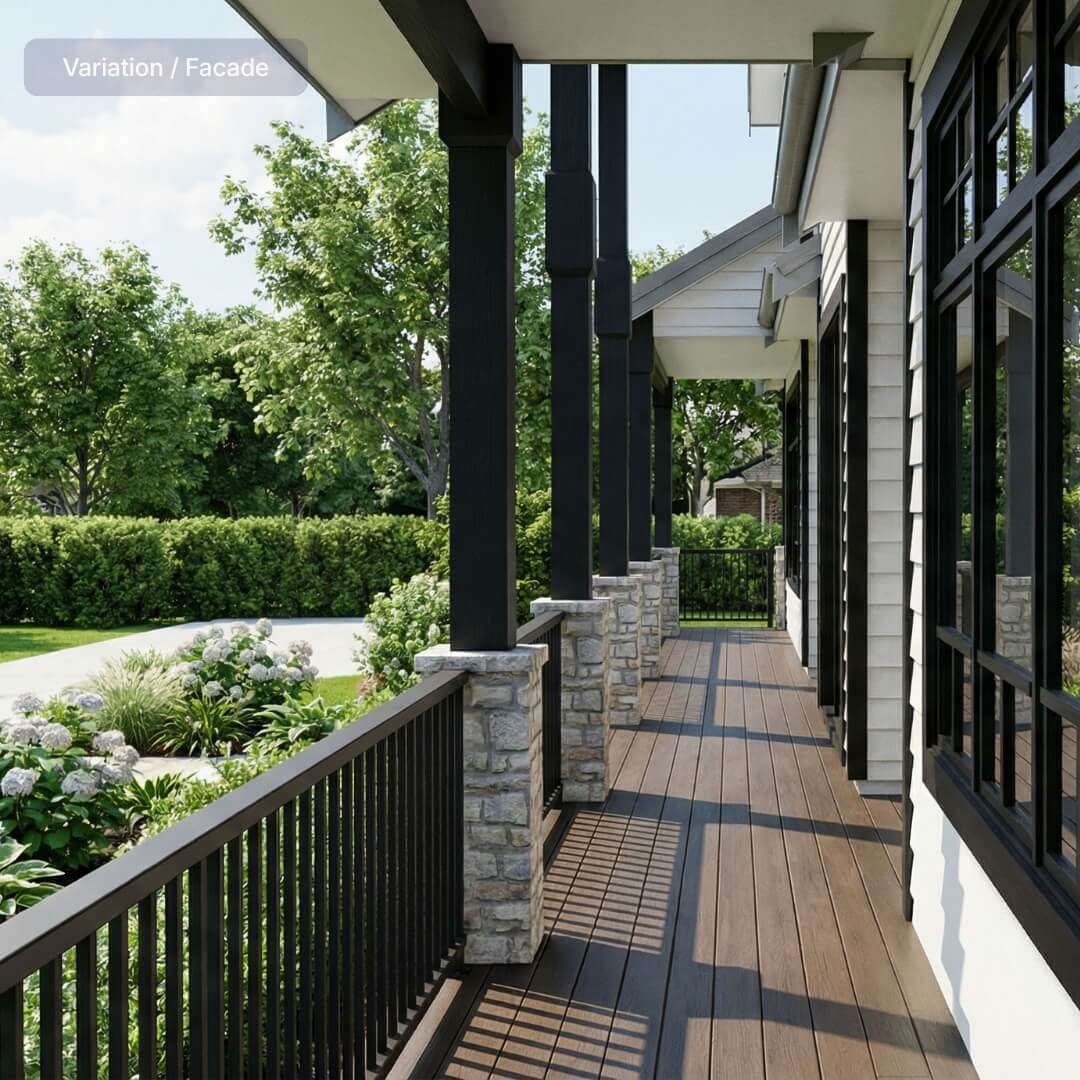
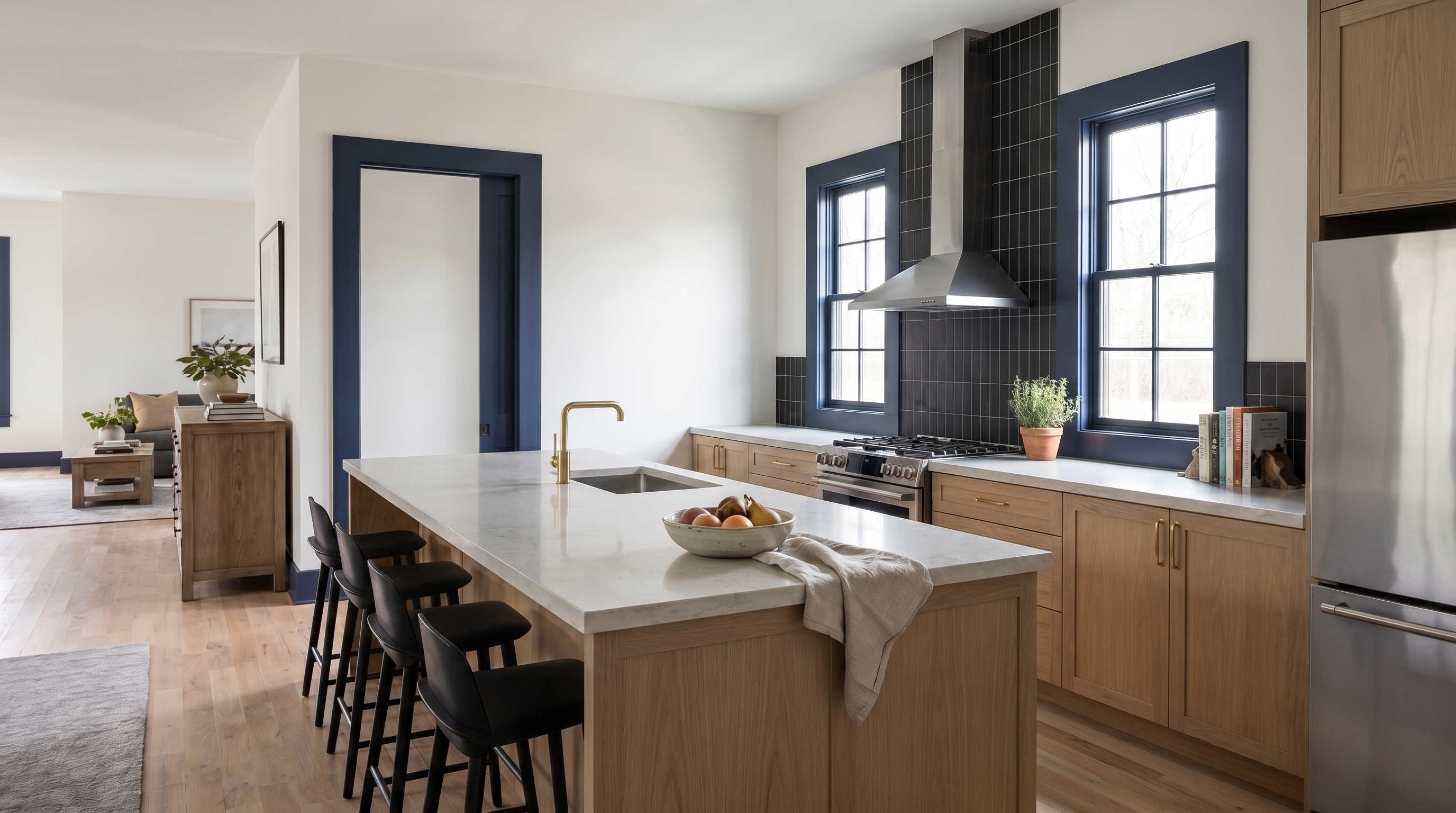
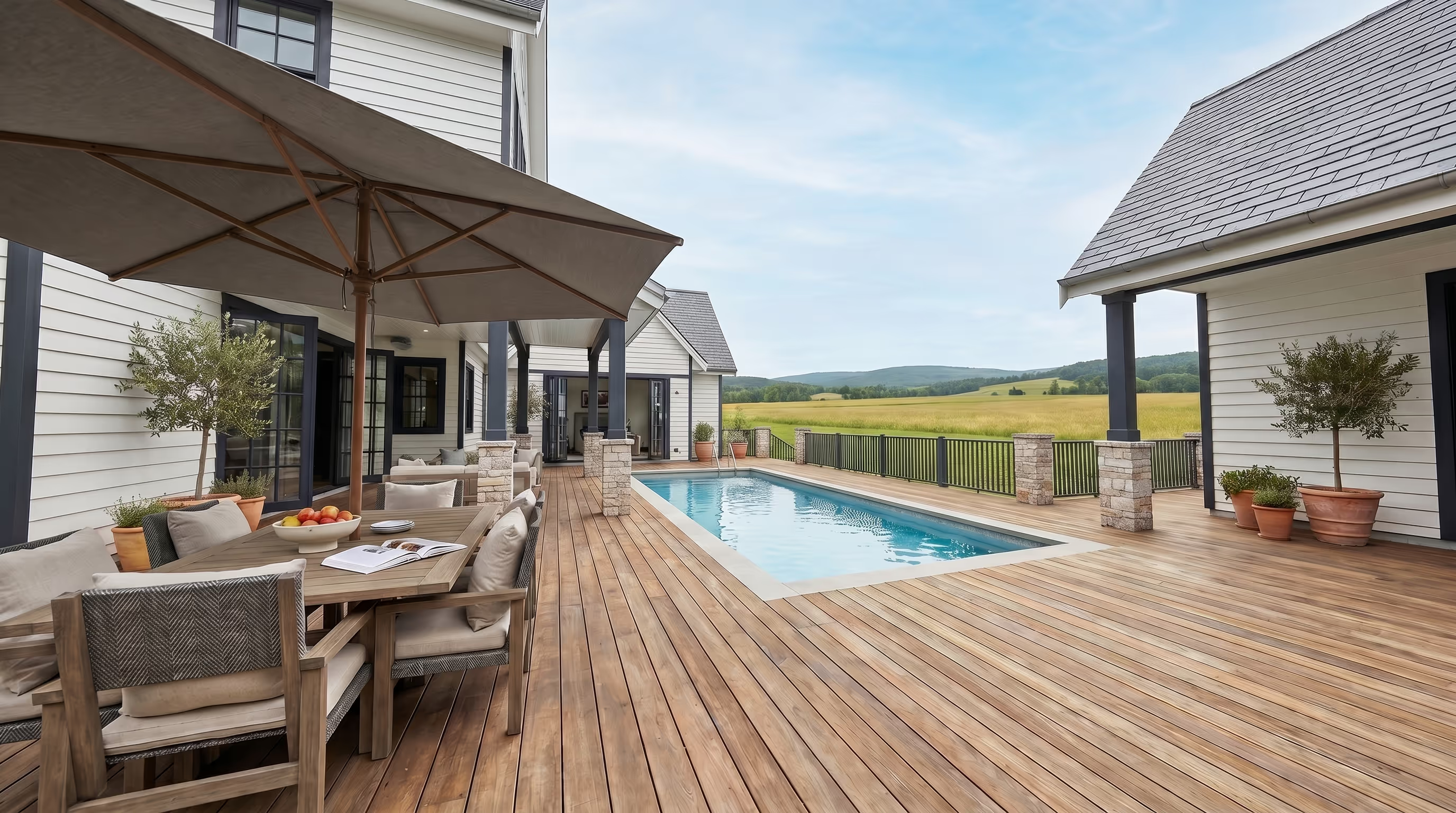
Six common visual requests generated from the project model — the kinds of images clients ask for before the design, finishes, or sales story is fully locked.

Charcoal cladding, warm evening light
01

Facade variation

Exterior
White oak, stone, brass fittings
02

Kitchen finishes

Interior
Pool, alfresco, tropical landscaping
03

Pool and alfresco

Outdoor living
Double garage, family car
04

Garage and driveway

Street view
Backyard view, afternoon light
05

Living room outlook

View
Neutral furniture, linen, indoor plants
06

Furniture and styling

Lifestyle
Marketing momentum

A visual pipeline that keeps up.

Your projects are already moving. Your visuals should move with them — from design changes and client questions to listings, launches, and campaign moments.

No studio dependency

Generate the visual you need without waiting on a studio queue, revision cycle, or new brief.

Fresh content between completions

Keep showing current work while the build is still months away from photography.

Every project gets seen

Create marketing-grade visuals for more than just the hero homes.

Changes don’t restart the clock

When finishes, facades, or site details change, update the visual while the question is still live.

create your first space - free
From model to marketing

Brief, generate, publish.

Start with the model your team already has. Describe the visual you need, generate the asset, and use it wherever the project needs to show up.

01

Start with your files

Upload a 3D model or send the project files you have.

Drop your file here
SKP, RVT, MAX, PDF, ZIP · Max 500MB
Upload successful
Submit for conversion
model.skp
02

Type or speak the visual brief

Describe the room, facade, finish, view, or variation you want to see.

03

Generate the output

Create renders and video flythroughs from the project source — without a studio queue.

04

Publish it anywhere

Use the asset in client presentations, listings, EDMs, socials, brochures, or sales decks.

The wait used to be part of the process.

That's over. Enviz turns project models into visuals builders can use in meetings, listings, campaigns, and sales conversations — without waiting for the photoshoot, the studio queue, or the next revision cycle.

The thing we hear most back from clients is, why hasn't everyone else got this?
Grant Robinson - Franchise Owner, G.J. Gardner Homes NZ
Franchise Owner, G.J. Gardner Homes NZ

Questions before you generate.

The practical details behind AI renders, video flythroughs, file types, and how visual credits work.

What can I upload?

Enviz works with common design and building files, including Revit, ArchiCAD, SketchUp, 3ds Max, and floor plans. If you do not have a clean 3D model yet, we can help you get there.

How long does it take to get a Space?

A preview of your Space can be ready in as little as 20 minutes depending on the file and project complexity. The final presentation-grade Space is processed after review and approval.

What devices does Enviz work on?

Enviz works across mobile, tablet, browser, and VR headsets. You can present in the office, send a link after the meeting, or walk clients through the Space in a more immersive headset experience.

Can I create renders and videos from the Space?

Yes. Enviz AI lets you generate renders and video flythroughs from the same project source, so you can create visuals for client presentations, listings, campaigns, and design options.

Is Enviz only for homes?

No. Enviz is built around property and spatial experiences. Homes are the main use case, but the same workflow can apply to offices, showrooms, clinics, display spaces, and other built environments.

Don’t wait for the photoshoot.

Create your first Space free