The handoff

The presentation that goes home with them.

Present the home live, guide clients through the Space, then send it home so every decision-maker can revisit, share, and decide from the same view.

RayWhite Logo
Montgomery Homes logo.
AV Jennings logo.
The presentation problem

Most presentations end with a nod. Not a decision.

The meeting goes well. The client says they love it.

Then they go home — and the design has to survive from memory, screenshots, and second-hand explanations.

The meeting was clear. The follow-up wasn’t.

Create your first space

The design has to survive second-hand

Plans, renders, and meeting notes get passed around without you there to explain them.

The partner joins late

The person who missed the meeting still has a vote.

Questions return in fragments

Small uncertainties become emails, calls, and another round of revisions.

The decision loses momentum

The presentation ends, but the buying decision is still happening.

The handoff

The meeting ends.
The presentation doesn’t.

Give clients a Space you can present live, guide remotely, send home, and support with visuals they can share after the meeting.

01
Guide

Lead the walkthrough

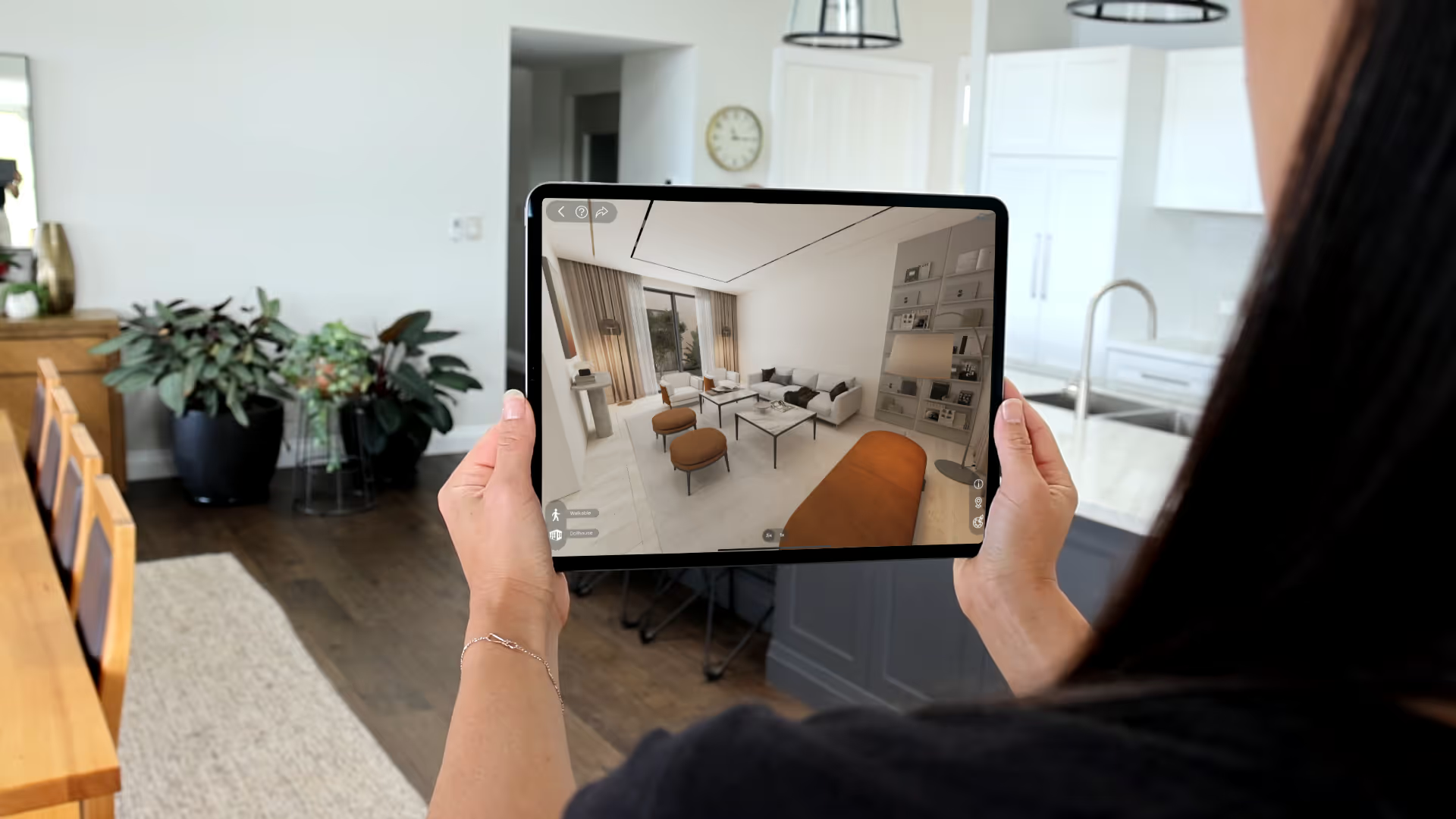
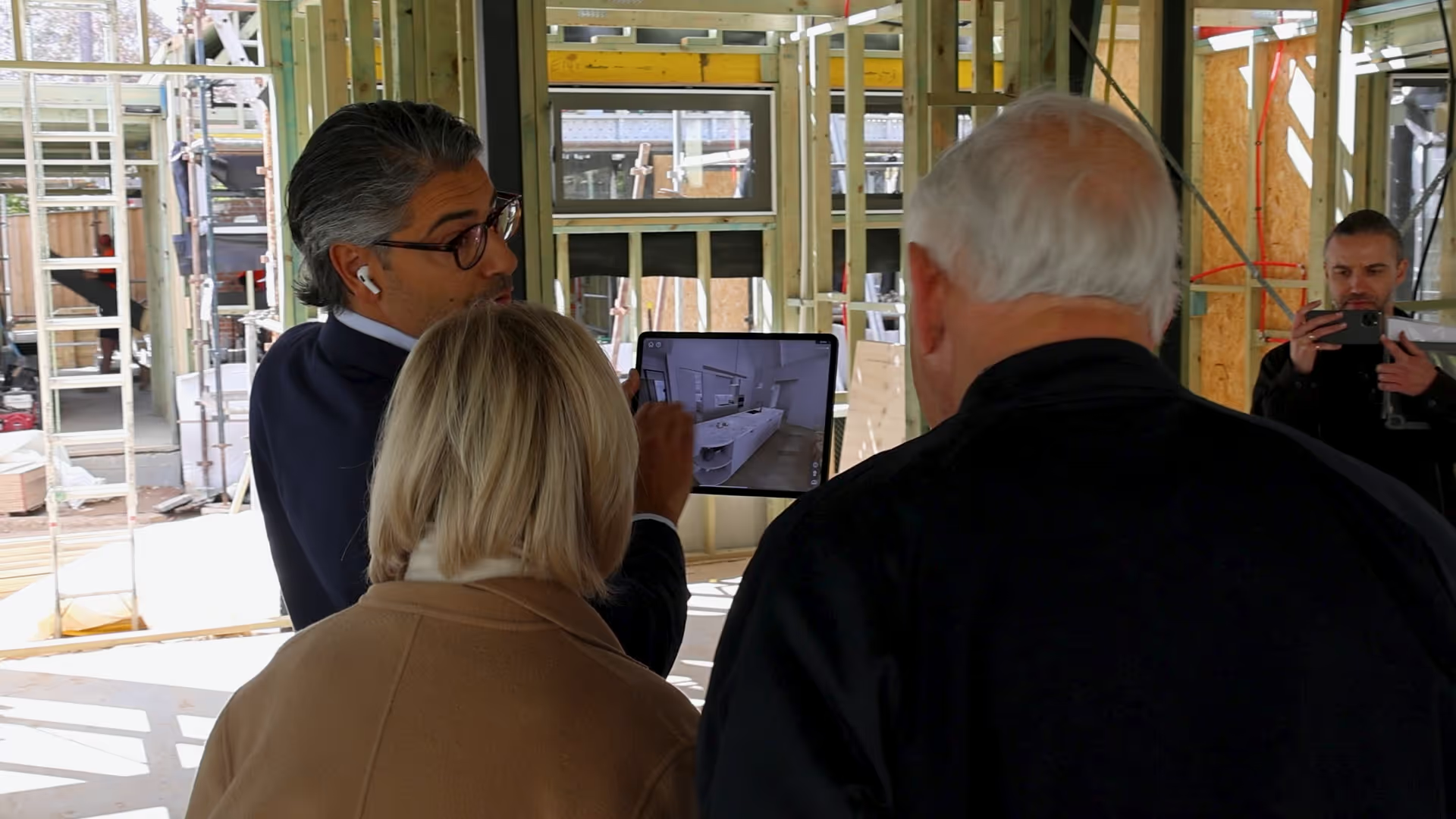
Bring clients, partners, and remote buyers into the same Space. Guide the room-to-room walkthrough while everyone talks through the design together.

02
Show

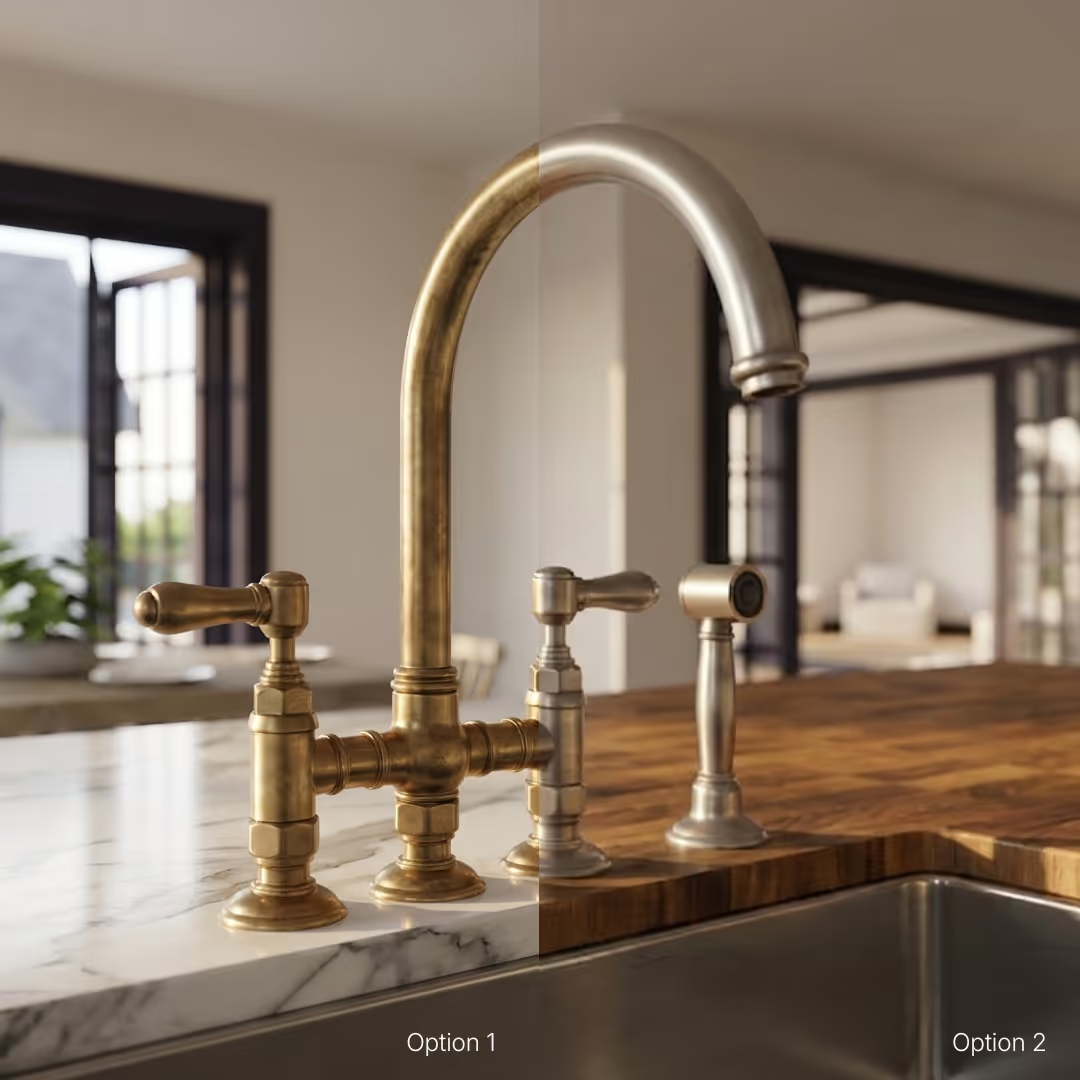
Show options on the spot

Use AI renders and video flythroughs to show finishes, moods, and key views while the question is still fresh.

03
Share

Send it with them

After the meeting, clients can reopen the Space, revisit the home, and share it with the people who need to weigh in.

04
Align

Keep everyone focused

Gather the Space, renders, plans, and options on a single shareable page so the presentation does not splinter into screenshots and old versions.

After the meeting

Presentations that keep working after you leave the room.

When clients can reopen the home after the meeting, follow-up gets clearer. The decision no longer relies on memory, screenshots, or second-hand explanations.

Cleaner follow-up

Clients come back with better questions, not scattered screenshots.

Earlier alignment

Partners and remote decision-makers see the same home before sign-off.

Stronger live meetings

Guided viewing turns the presentation into a shared walkthrough, not a one-way explanation.

Powerful takeaways

AI renders, video flythroughs, and the Space give clients something clear to revisit.

create your first space - free
From model to meeting

Upload once. Present anywhere.

Start with the files your team already has. Enviz turns them into a Space you can open in the meeting, send after the meeting, and share with everyone who needs to weigh in.

01

Start with your files

Revit, ArchiCAD, SketchUp, 3ds Max, or a floor plan. No clean model yet? We can help you get there.

Drop your file here
SKP, RVT, MAX, PDF, ZIP · Max 500MB
Upload successful
Submit for conversion
model.skp
02

Review the Space

Check the Space, make changes, and approve it before your presentation-grade Space is processed.

03

Present it live

Guide clients through the Space in the room or remotely, with everyone inside the same walkthrough.

04

Send it home

Share one page with the Space, renders, video, plans, and options so the conversation keeps moving.

FAQs

Everything a builder usually asks before sending a Space to a client.

What can I upload?

Enviz works with common design and building files, including Revit, ArchiCAD, SketchUp, 3ds Max, and floor plans. If you do not have a clean 3D model yet, we can help you get there.

How long does it take to get a Space?

A preview of your Space can be ready in as little as 20 minutes depending on the file and project complexity. The final presentation-grade Space is processed after review and approval.

What devices does Enviz work on?

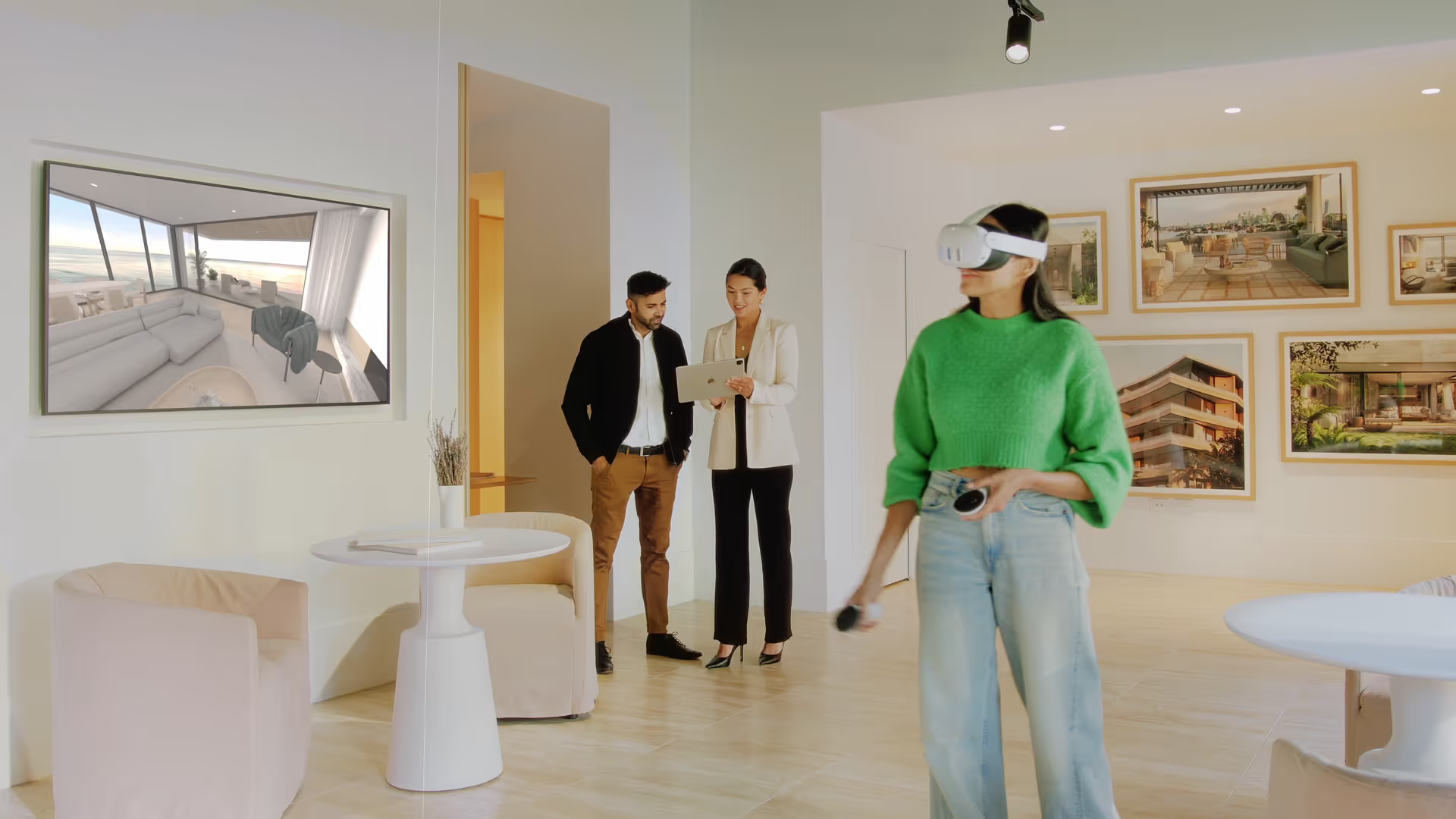
Enviz works across mobile, tablet, browser, and VR headsets. You can present in the office, send a link after the meeting, or walk clients through the Space in a more immersive headset experience.

Can I create renders and videos from the Space?

Yes. Enviz AI lets you generate renders and video flythroughs from the same project source, so you can create visuals for client presentations, listings, campaigns, and design options.

Is Enviz only for homes?

No. Enviz is built around property and spatial experiences. Homes are the main use case, but the same workflow can apply to offices, showrooms, clinics, display spaces, and other built environments.

Send them home with the home.

Your first Space is free. Upload a model or send the files you have, and give your next client a presentation they can reopen, share, and decide from after the meeting.

Build your first Space — free