Design validation

That's not what I imagined.

The most expensive sentence in home building.

Design validation is where confidence either holds or starts to unravel. Enviz turns your model into a walkable Space, so clients understand the home before they approve it.

RayWhite Logo
Montgomery Homes logo.
AV Jennings logo.
LJ Hooker logo.
The sign-off problem

The plan can make sense before the home does.

The meeting goes well. The client nods. The layout is clear.

But sign-off can still leave too much unseen: scale, flow, ceiling height, and how one space connects to the next.

The yes can be too easy

Approval can arrive before the client has felt the home.

Renders answer one view

They show selected moments, not the way the home moves room by room.

Questions come back later

Screenshots, second opinions, and partner conversations pull the decision back into doubt.

Late understanding is expensive

When the frame goes up, uncertainty turns into cost.

The model already exists. The visuals should not be weeks behind.

Design validation, made walkable

Let them walk it before they approve it.

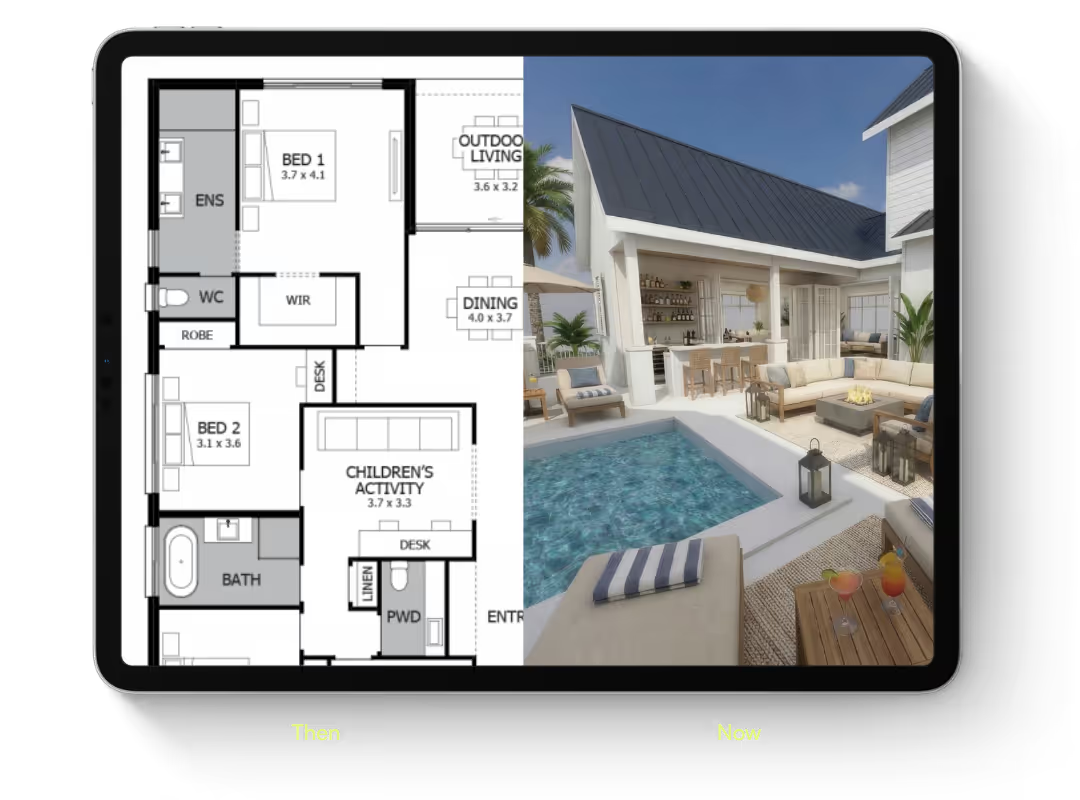
A plan can show where the rooms go. A Space lets your client stand inside the decision.

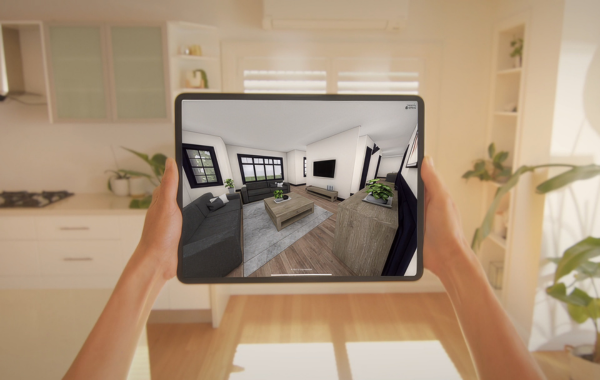
Open the design on mobile, tablet, browser, or headset. Walk through the home together, send it home after the meeting, and bring the real questions forward before they become expensive.

Try it out

Explore in AR

A floor plan shows the layout. A Space shows the home.

The client sits across from you. They nod. They sign.

Six weeks later, framing goes up. The kitchen is smaller than they pictured. The hallway tighter. The master bedroom — not quite what they had in mind. You know the call that follows.

It's not a difficult client. It's a gap that was never closed.

Sign-off drags through three rounds of "just one more thing." Change orders arrive on a Friday afternoon. The yes you got six weeks ago was a yes to something they couldn't picture. And the relationship — the one you've built across twelve months of Saturday meetings — pays for it.

What closes the gap

Walk it. Test it. Send it home.

Sign-off gets easier when the client can walk the home, see the options, and bring every decision-maker into the same view.

Walk the design

Let clients move through the home room by room, so scale and flow become clear before approval.

Test the options

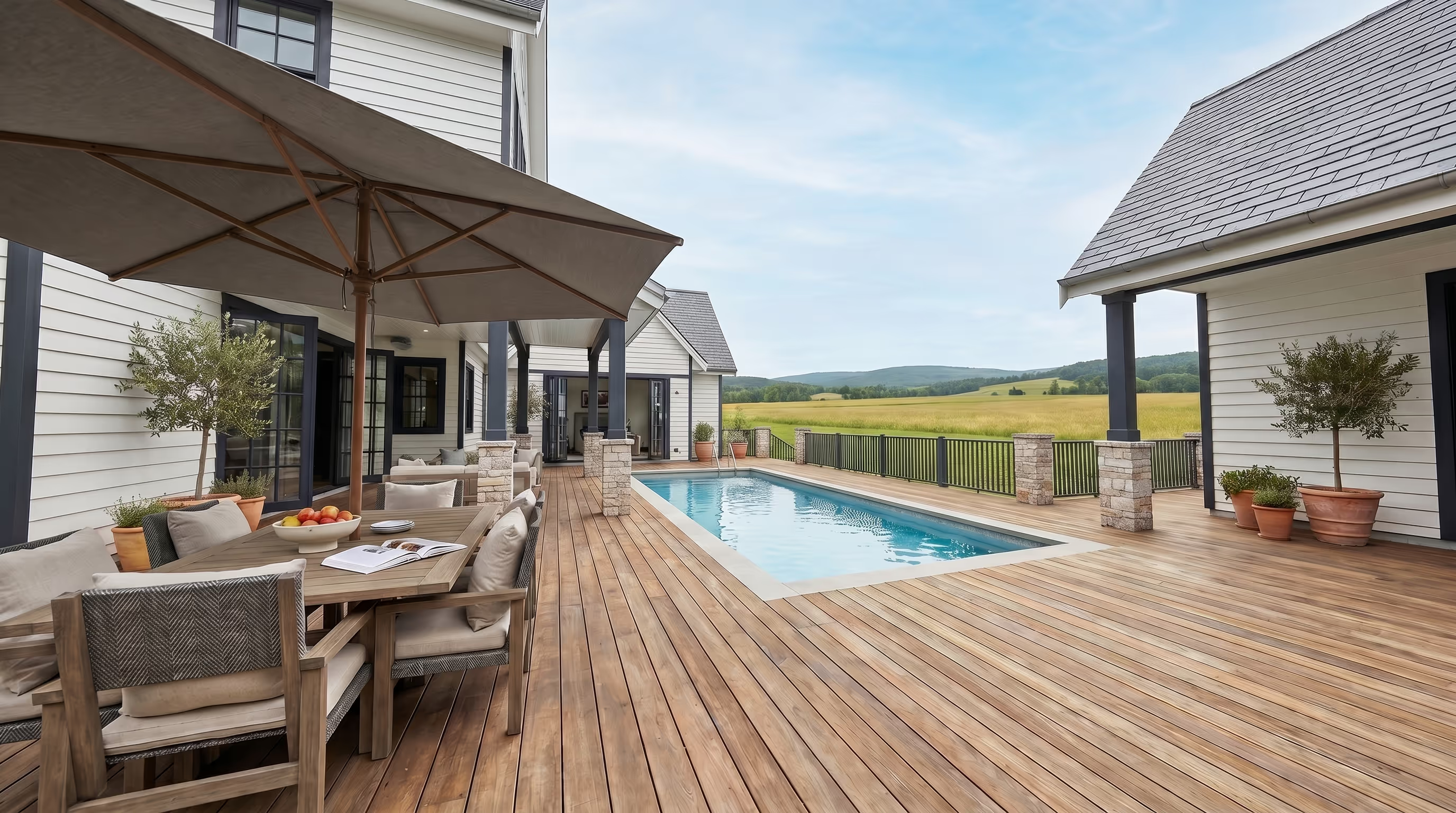
Use on demand AI renders to Show finishes, lighting, furniture, and mood while the decision is still easy to change.

Send one link

Give clients a Space they can revisit, share, and use to keep sign-off moving.

The outcome

A yes you can build on

The result is a cleaner yes. Less hesitation after the meeting. Fewer questions surfacing too late. More confidence in the decision before construction begins.

Faster sign-off

Clients decide faster when they understand what they’re approving.

Fewer late changes

Questions surface while they’re still easy to answer.

More confident clients

The decision is based on the home itself, not memory, screenshots, or interpretation.

Protected margin

The conversation moves earlier, before changes become expensive.

create your first space - free
The workflow

From files to sign-off.

Bring the design to the point of decision. Upload a model, send a floor plan, or use one of our modelling partners to get the project ready for a walkable Space.

01

Start with your files

Revit, ArchiCAD, SketchUp, 3ds Max, or a floor plan. No clean model yet? We can help you get there.

Drop your file here
SKP, RVT, MAX, PDF, ZIP · Max 500MB
Upload successful
Submit for conversion
model.skp
02

Review the preview

Check the Space, make changes, and approve it before your presentation-grade Space is processed.

03

Walk the client through

Open the Space in meetings, send it to clients, or walk through it on mobile, tablet, browser, or headset.

04

Move sign-off forward

Use the Space, renders, and shareable page to answer questions earlier and keep the decision moving.

For us, it's really the workhorse of getting the design resolved and issues worked out before we get much further in the process.
Craig Sutton
General Manager, Hall & Hart

Questions before you validate the design.

Everything a builder usually asks before sending a Space to a client.

What can I upload?

Enviz works with common design and building files, including Revit, ArchiCAD, SketchUp, 3ds Max, and floor plans. If you do not have a clean 3D model yet, we can help you get there.

How long does it take to get a Space?

A preview of your Space can be ready in as little as 20 minutes depending on the file and project complexity. The final presentation-grade Space is processed after review and approval.

What devices does Enviz work on?

Enviz works across mobile, tablet, browser, and VR headsets. You can present in the office, send a link after the meeting, or walk clients through the Space in a more immersive headset experience.

Can I create renders and videos from the Space?

Yes. Enviz AI lets you generate renders and video flythroughs from the same project source, so you can create visuals for client presentations, listings, campaigns, and design options.

Is Enviz only for homes?

No. Enviz is built around property and spatial experiences. Homes are the main use case, but the same workflow can apply to offices, showrooms, clinics, display spaces, and other built environments.

Let them walk it before they sign it off.

Create your first space free