.avif)
By the time the assets are ready, your client has already changed their mind again.
Not because the design is wrong — because the client can't picture what they're approving. So they hesitate, ask for another revision, and every week of delay is a week you're not starting the build.

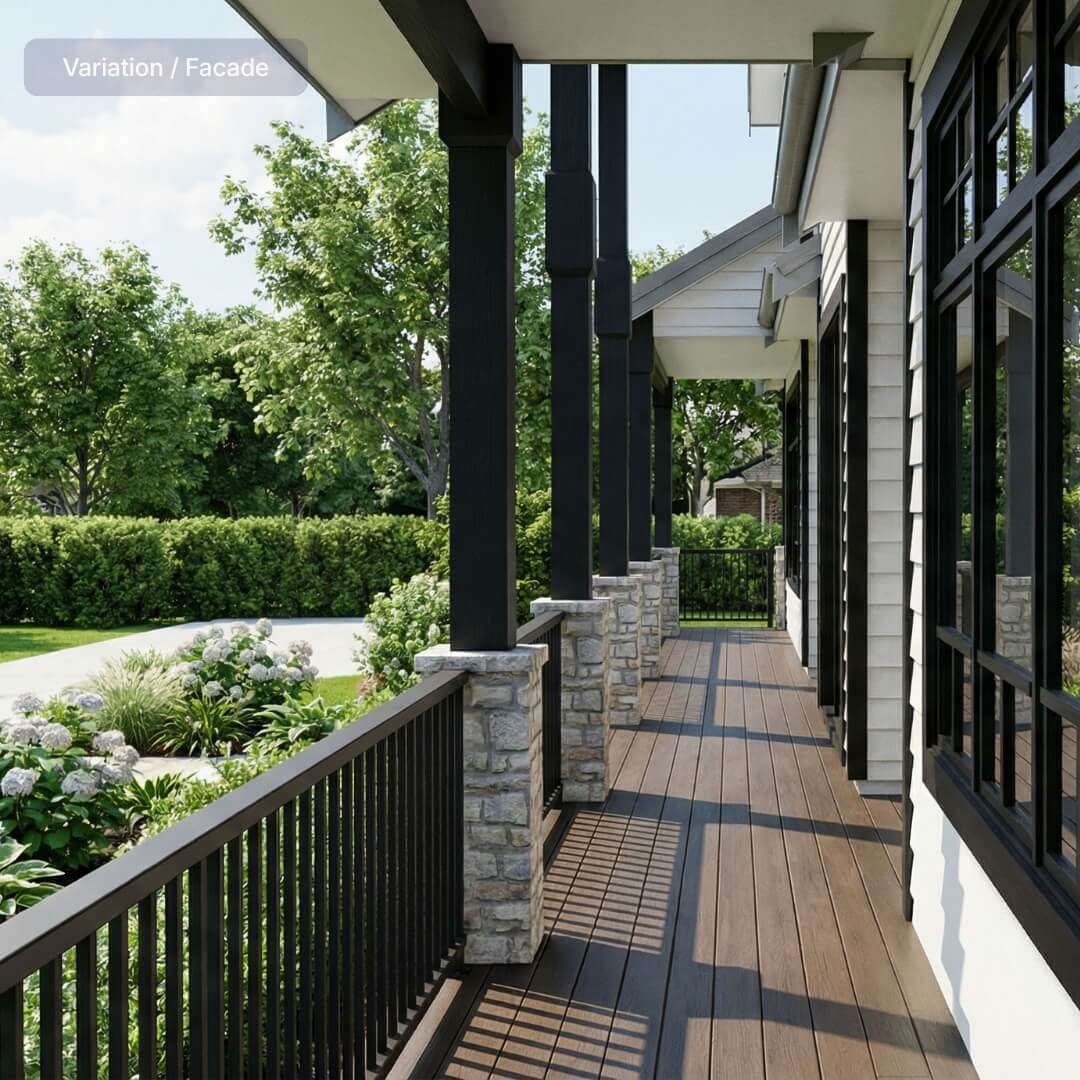


Output you can rely on.
Six common visual requests generated from the project model, before the design, finishes, or sales story is fully locked.

Facade variation
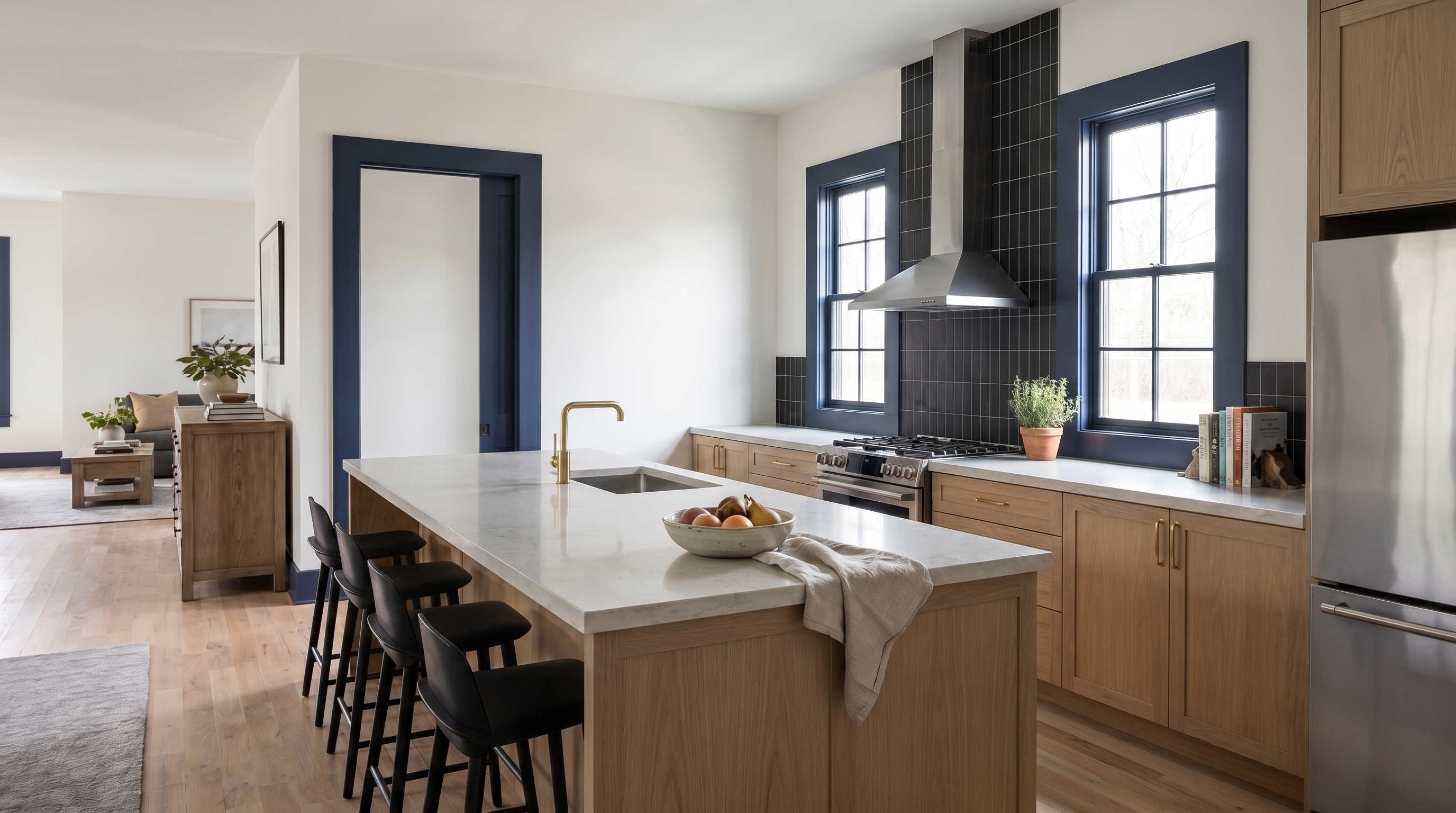
Kitchen finishes
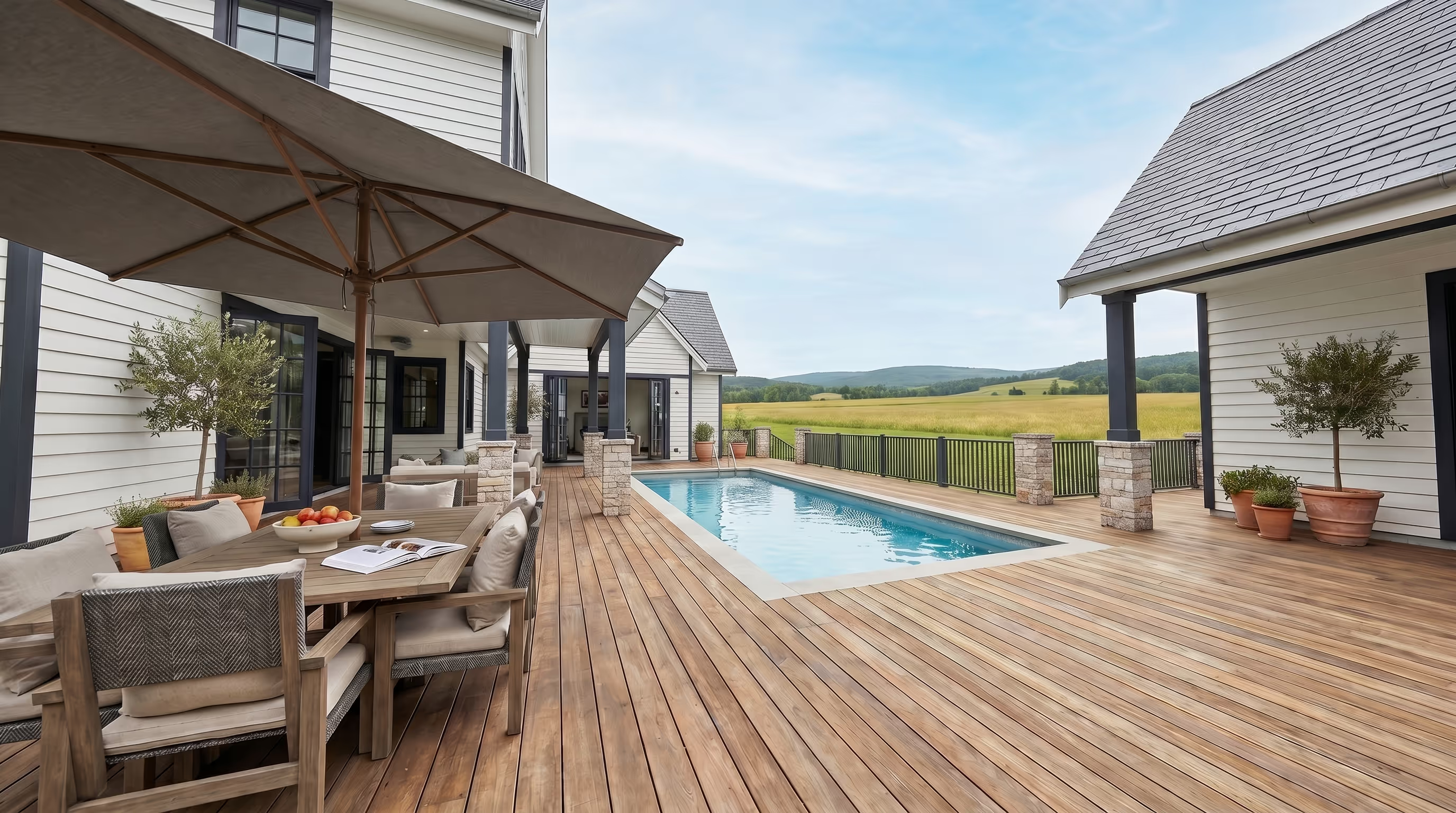
Pool and alfresco

Garage and driveway

Living room outlook

Furniture and styling
The wait used to be part of the process.
Now that’s over. Enviz turns project models into ready-to-use visuals for meetings, listings, campaigns, and sales conversations. No photoshoot. No studio queue. No revision cycle.
The thing we hear most back from clients is, why hasn't everyone else got this?
Questions before you generate.
The practical details behind AI renders, video flythroughs, file types, and how visual credits work.
The 3D model your design team already works in — Revit, ArchiCAD, SketchUp, or 3ds Max. No clean model yet? Send a floor plan and our modelling partners can build it for you.
A preview can be ready in as little as 20 minutes, depending on file and project complexity. You review it, make changes, and approve before the final presentation-grade home is processed.
It runs on mobile, tablet, browser, and VR headset. Present on an iPad in the office, send a link after the meeting, or run the full headset experience for a big presentation.
Yes. The model that powers the walkthrough also generates renders and video flythroughs from a text prompt — for showing options, sending a partner who couldn't attend, or showing why a requested change won't work.
Homes are the main use case, but the same workflow applies to any built space — offices, showrooms, clinics, display suites, and more.