




01 / CLIENT MEETINGS
Answer it visually
Show finishes, views, and variations while the question is still live.
Generate renders, finish options, and flythroughs from your existing 3D model, without the studio queue or three-week wait.





The design changes. The campaign needs visuals. The sales team asks for something by Friday. But the render process still runs on briefs, queues, revisions, and waiting.
By the time it comes back, the design, brief, or campaign has moved on.
Another round of notes, another wait, and another visual that may already be out of date by the time it lands.
The home won’t be photographed for months, but your marketing needs visuals now.
Most projects never get the visuals they deserve because content is too slow or too expensive to scale.
The model exists.
The Visuals shouldn't be weeks behind.
Create renders, variations, flythroughs, and campaign assets from within you Space.
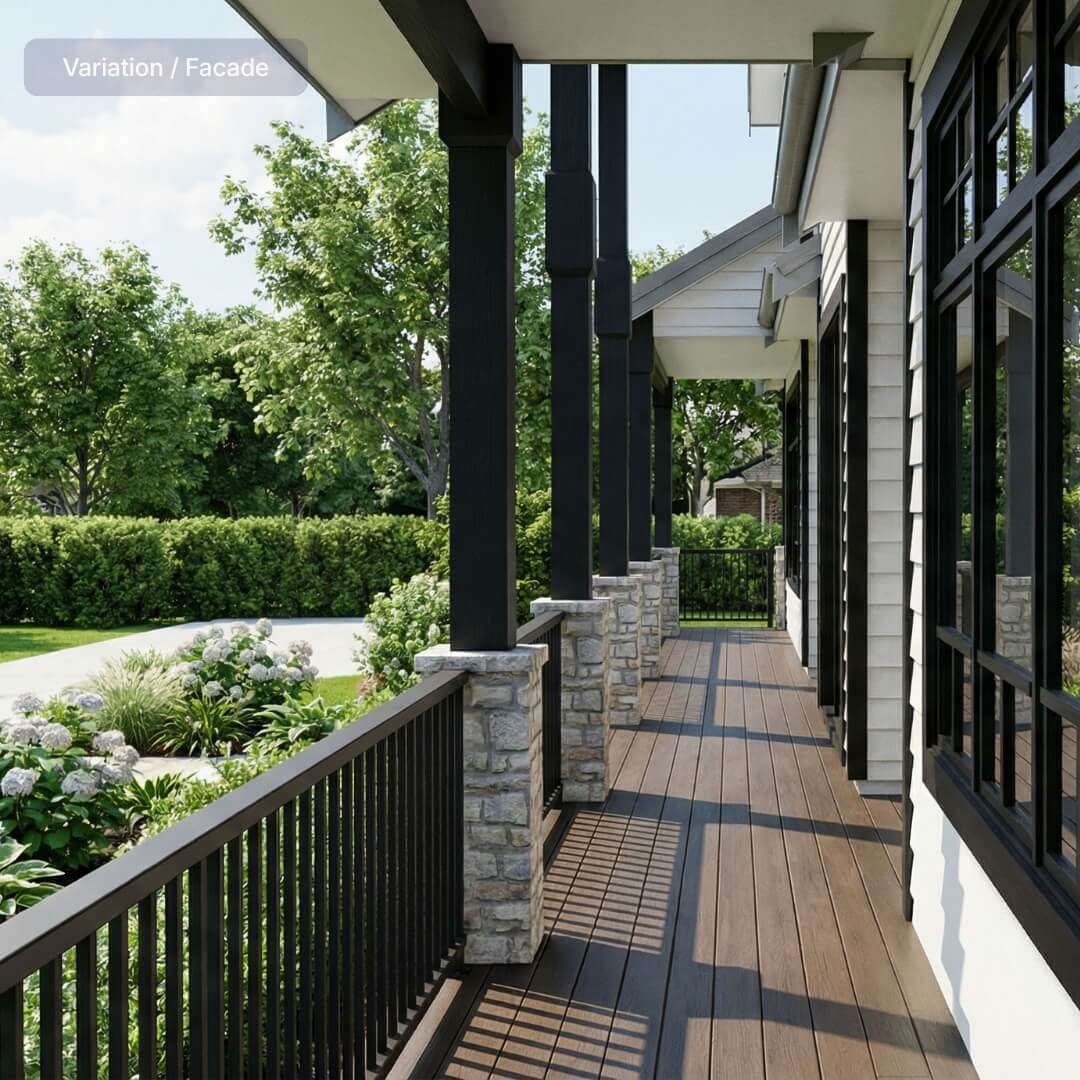
Show finishes, views, and variations while the question is still live.
Create hero visuals for designs, lots, and homes still in progress.
Six common visual requests generated from the project model, before the design, finishes, or sales story is fully locked.

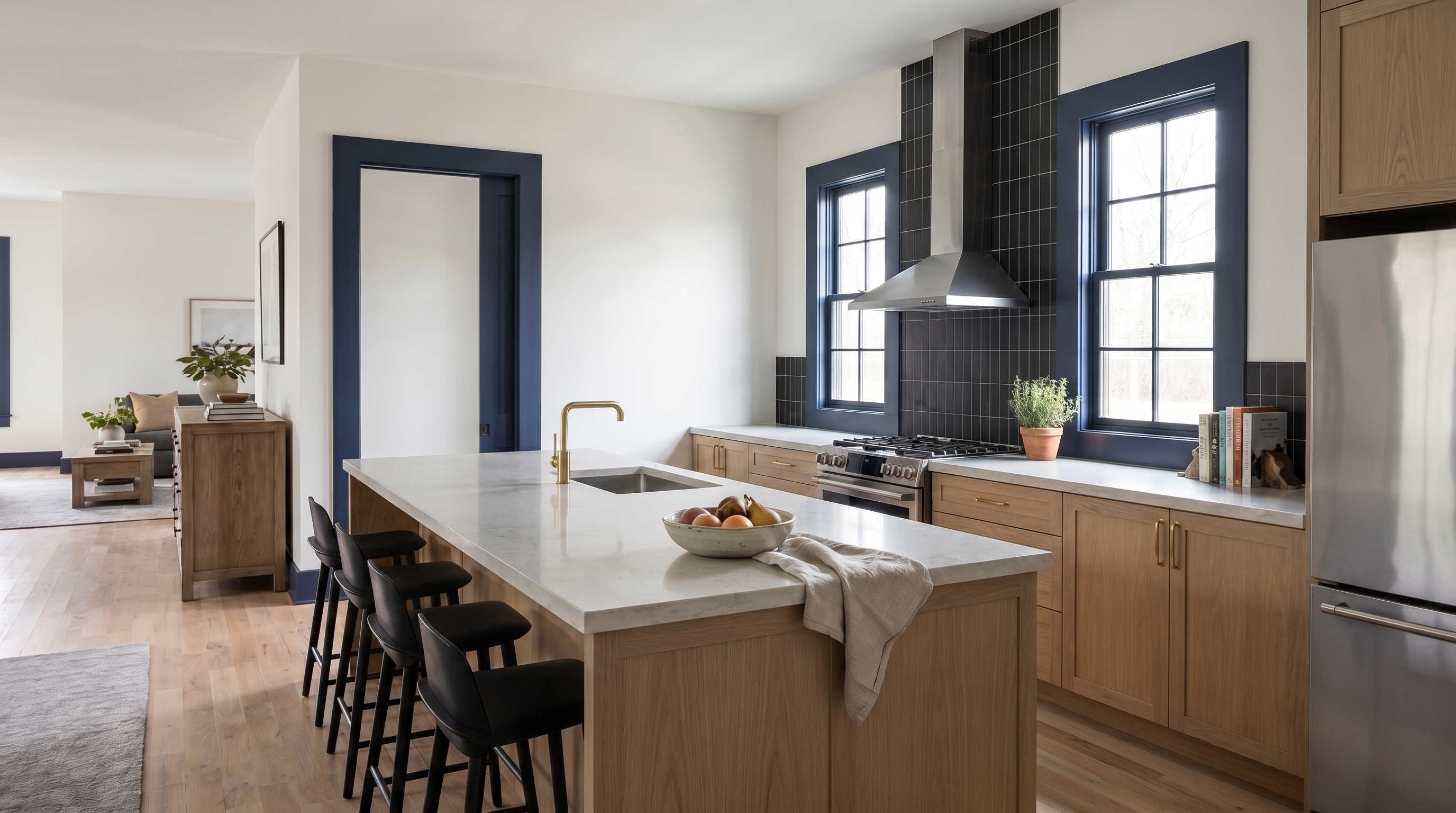


Your projects keep moving. Your visuals should too, from client questions and design changes to listings, launches, and campaign moments.
Generate the visual you need without waiting on a studio queue, revision cycle, or new brief.
Keep showing current work while the build is still months away from photography.
Create marketing-grade visuals for more than just the hero homes.
When finishes, facades, or site details change, update the visual while the question is still live.
Start with the model your team already has. Describe the visual you need, generate the asset, and use it wherever the project needs to show up.
Upload a 3D model or send the project files you have.
Describe the room, facade, finish, view, or variation you want to see.
Create renders and video flythroughs from the project source — without a studio queue.

Use the asset in client presentations, listings, EDMs, socials, brochures, or sales decks.
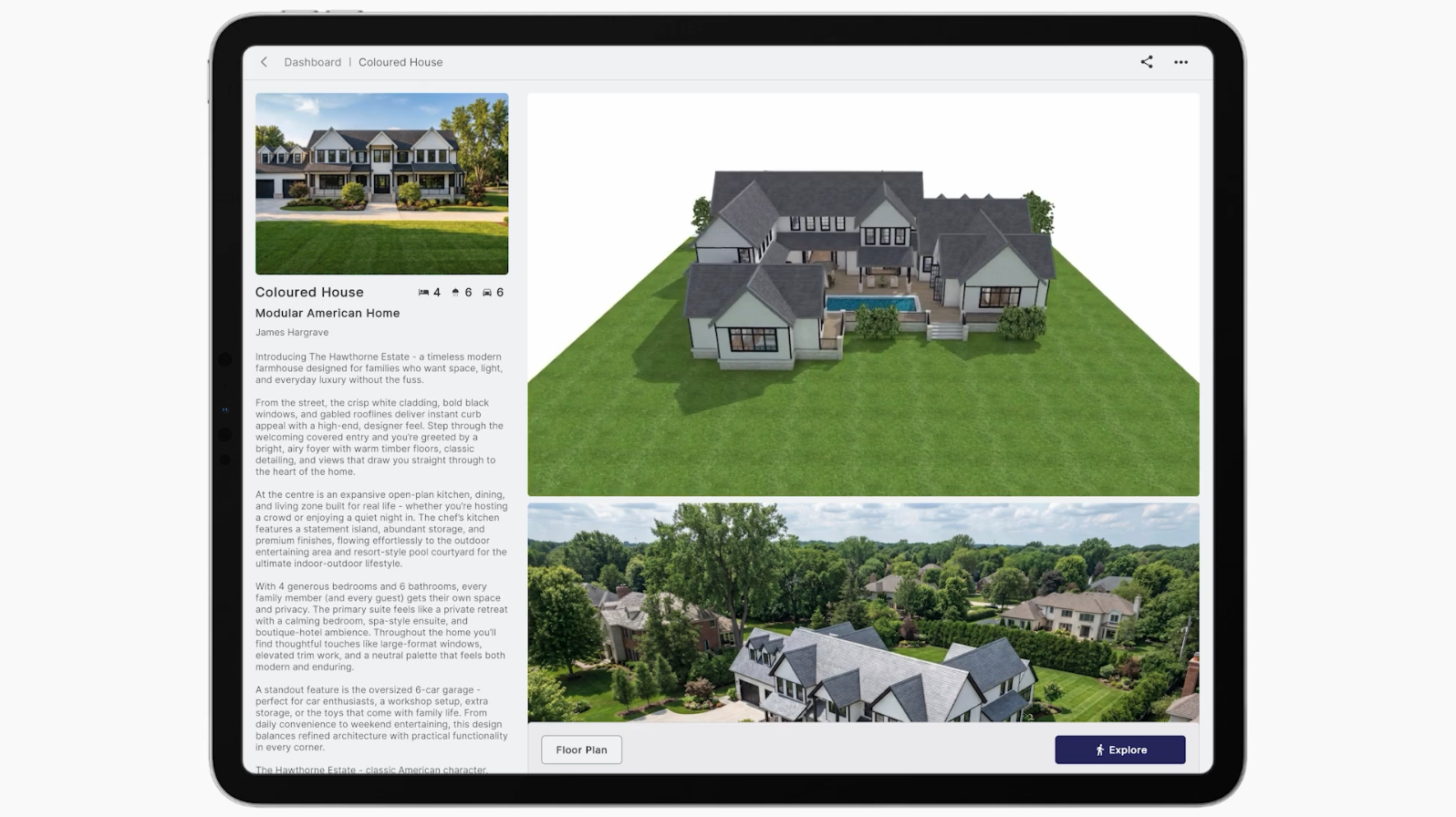
Now that’s over. Enviz turns project models into ready-to-use visuals for meetings, listings, campaigns, and sales conversations. No photoshoot. No studio queue. No revision cycle.
The thing we hear most back from clients is, why hasn't everyone else got this?
The practical details behind AI renders, video flythroughs, file types, and how visual credits work.
Enviz works with common design and building files, including Revit, ArchiCAD, SketchUp, 3ds Max. If you do not have a clean 3D model yet, one of our modelling partners can help.
A preview of your Space can be ready in as little as 20 minutes depending on the file and project complexity. The final presentation-grade Space is processed after review and approval.
Enviz works across mobile, tablet, browser, and VR headsets. You can present in the office, send a link after the meeting, or walk clients through the Space in a more immersive headset experience.
Yes. Enviz AI lets you generate renders and video flythroughs from the same project source, so you can create visuals for client presentations, listings, campaigns, and design options.
No. Enviz is built around property and spatial experiences. Homes are the main use case, but the same workflow can apply to offices, showrooms, clinics, display spaces, and other built environments.