The presentation that goes home with them.
Present the home live, guide clients through the Space, then send it home so every decision-maker can revisit, share, and decide from the same view.
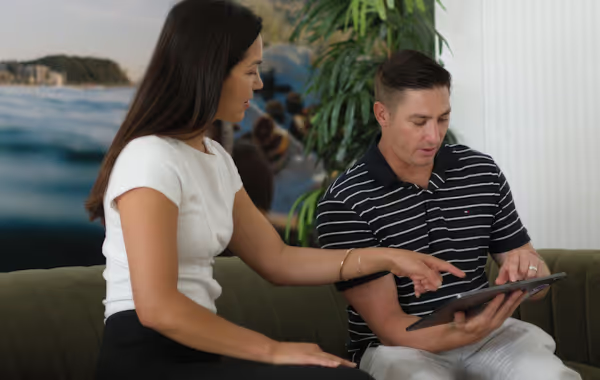





Most presentations end with a nod. Not a decision.
The meeting goes well.
The client says they love it.
Then the design has to survive at home, without you there to explain it.
The meeting was clear. The follow-up wasn’t.

The design has to survive second-hand
Plans, renders, and meeting notes get passed around without you there to explain them.

The partner joins late
The person who missed the meeting still has a vote.

Questions return in fragments
Small uncertainties become emails, calls, and another round of revisions.

The decision loses momentum
The presentation ends, but the buying decision is still happening.
The meeting ends.
The presentation doesn’t.
Give clients a Space you can present live, guide remotely, send home, and support with visuals they can share after the meeting.
Lead the walkthrough
Bring clients, partners, and remote buyers into the same Space. Guide the room-to-room walkthrough while everyone talks through the design together.

Show options on the spot
Use AI renders and video flythroughs to show finishes, moods, and key views while the question is still fresh.

Send it with them
After the meeting, clients can reopen the Space, revisit the home, and share it with the people who need to weigh in.

Keep everyone focused
Gather the Space, renders, plans, and options on a single shareable page so the presentation does not splinter into screenshots and old versions.
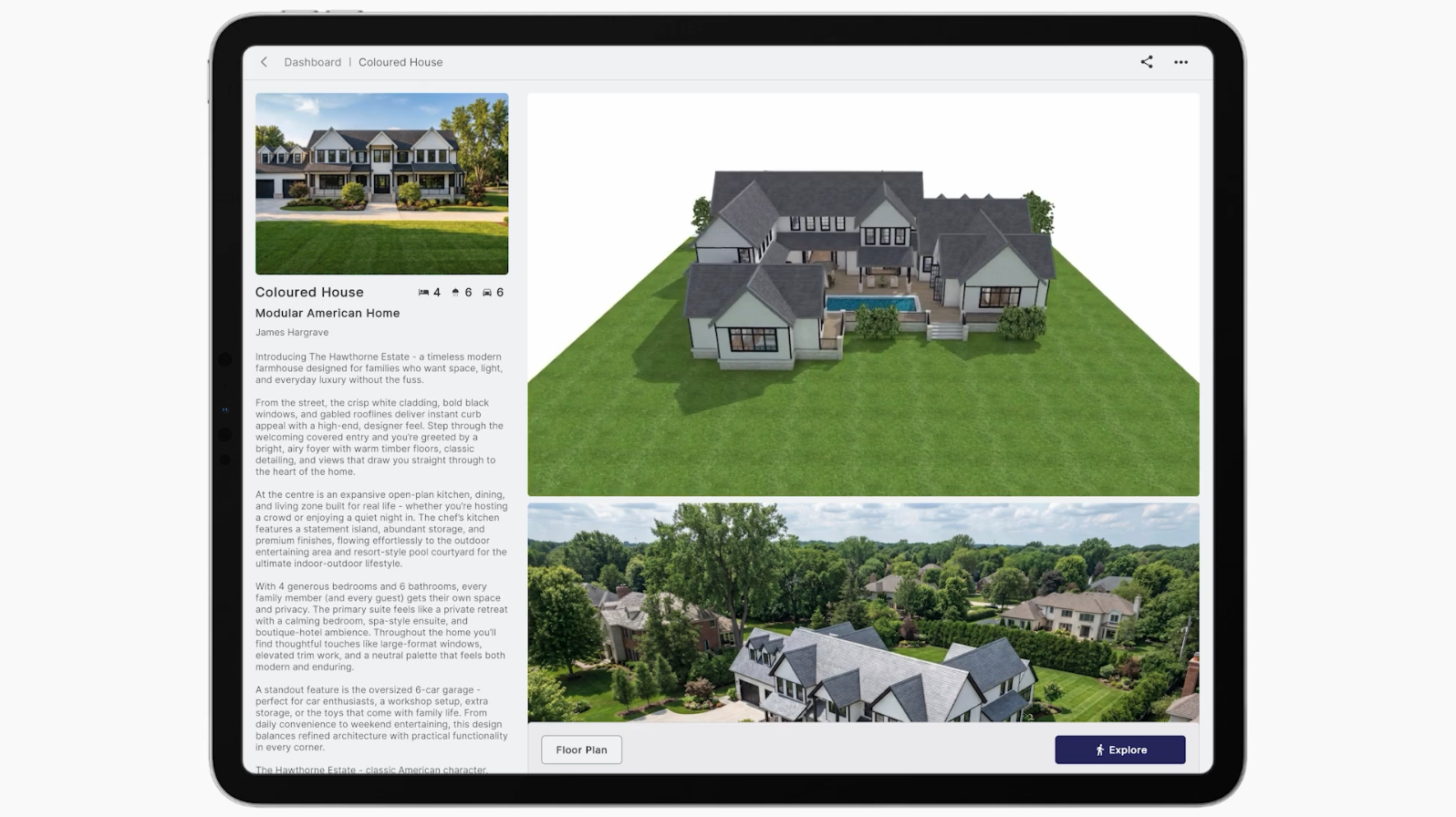
Presentations that keep working after you leave the room.
When clients can reopen the home after the meeting, follow-up gets clearer. The decision no longer relies on memory, screenshots, or second-hand explanations.
Cleaner follow-up
Clients come back with better questions, not scattered screenshots.
Earlier alignment
Partners and remote decision-makers see the same home before sign-off.
Stronger live meetings
Guided viewing turns the presentation into a shared walkthrough, not a one-way explanation.
Powerful takeaways
AI renders, video flythroughs, and the Space give clients something clear to revisit.
Upload once. Present anywhere.
Start with the files your team already has. Enviz turns them into a Space you can open in the meeting, send after the meeting, and share with everyone who needs to weigh in.
Start with your files
Revit, ArchiCAD, SketchUp, 3ds Max, or a floor plan. No clean model yet? We can help you get there.
Review the Space
Check the Space, make changes, and approve it before your presentation-grade Space is processed.

Present it live
Guide clients through the Space in the room or remotely, with everyone inside the same walkthrough.

Send it home
Share one page with the Space, renders, video, plans, and options so the conversation keeps moving.
FAQs
Everything a builder usually asks before sending a Space to a client.
The 3D model your design team already works in — Revit, ArchiCAD, SketchUp, or 3ds Max. No clean model yet? Send a floor plan and our modelling partners can build it for you.
A preview can be ready in as little as 20 minutes, depending on file and project complexity. You review it, make changes, and approve before the final presentation-grade home is processed.
It runs on mobile, tablet, browser, and VR headset. Present on an iPad in the office, send a link after the meeting, or run the full headset experience for a big presentation.
Yes. The model that powers the walkthrough also generates renders and video flythroughs from a text prompt — for showing options, sending a partner who couldn't attend, or showing why a requested change won't work.
Homes are the main use case, but the same workflow applies to any built space — offices, showrooms, clinics, display suites, and more.