
01 / Design Validation
During design sign-off
Let clients walk the design before decisions become expensive.


Trusted by:






Start with the files already moving through your workflow.
Upload a 3D model or connect with one of our design partners if you need a model created.
Revit, ArchiCAD, SketchUp, 3ds Max, or a floor plan. No 3D model yet? A design partner can help you get there.
A preview of your Space will be live in under 30 minutes, so you can check the model, make changes, and approve.

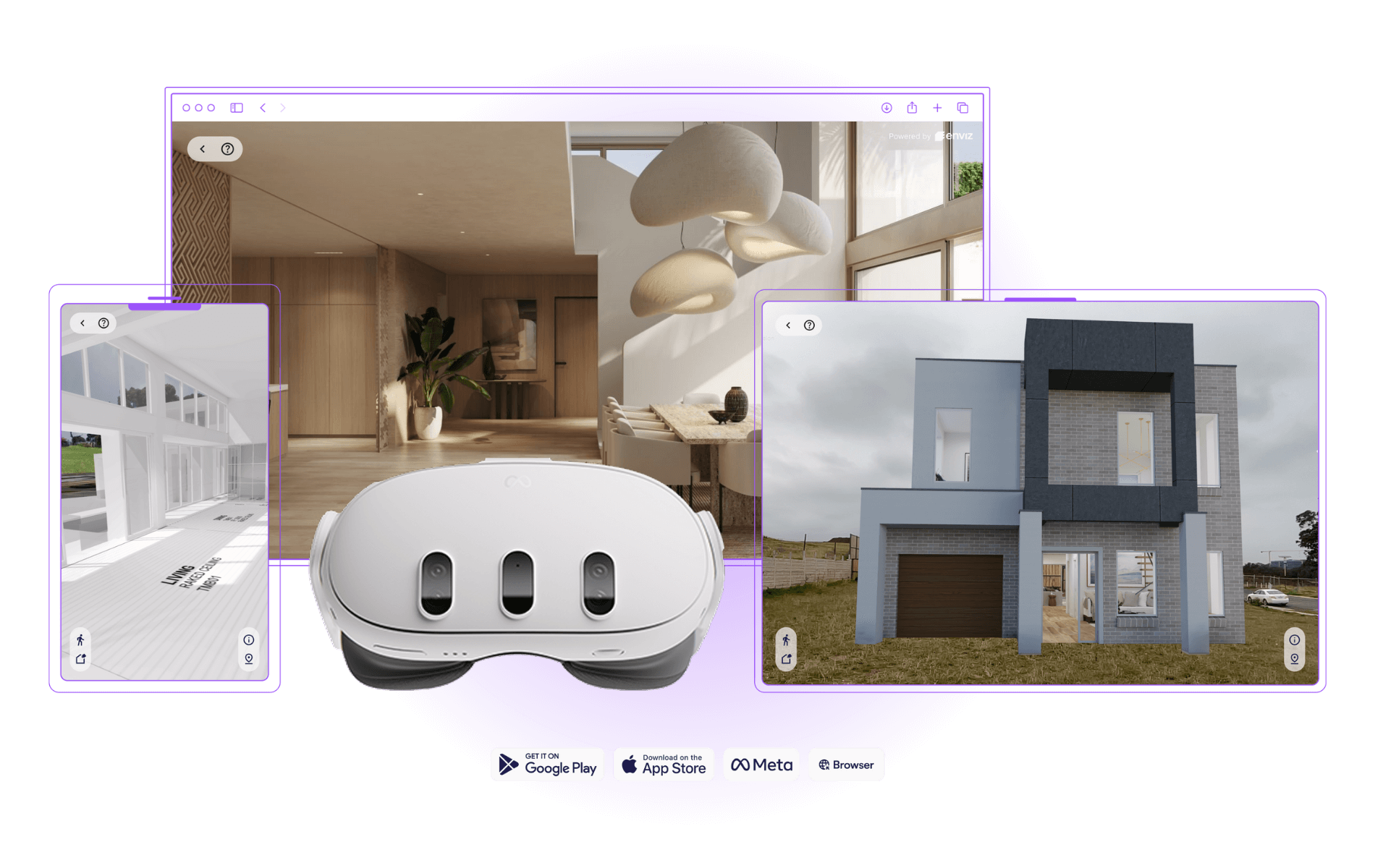
Open the Space in meetings, send it to clients, or walk through it on mobile, tablet, browser, or headset.

Generate accurate renders, animated flythroughs, and sales content from within your Enviz Space.
Move through the home, check the scale, stand in the rooms, and see how quickly a flat design becomes something a client can understand.

Now make yours walkable.
Upload a 3D model. Enviz turns it into a Space your client can walk through before decisions become expensive.
Create accurate renders, options, videos, and sales content from the same project source.
Generate polished visuals from the Space, so every asset stays connected to the real design.

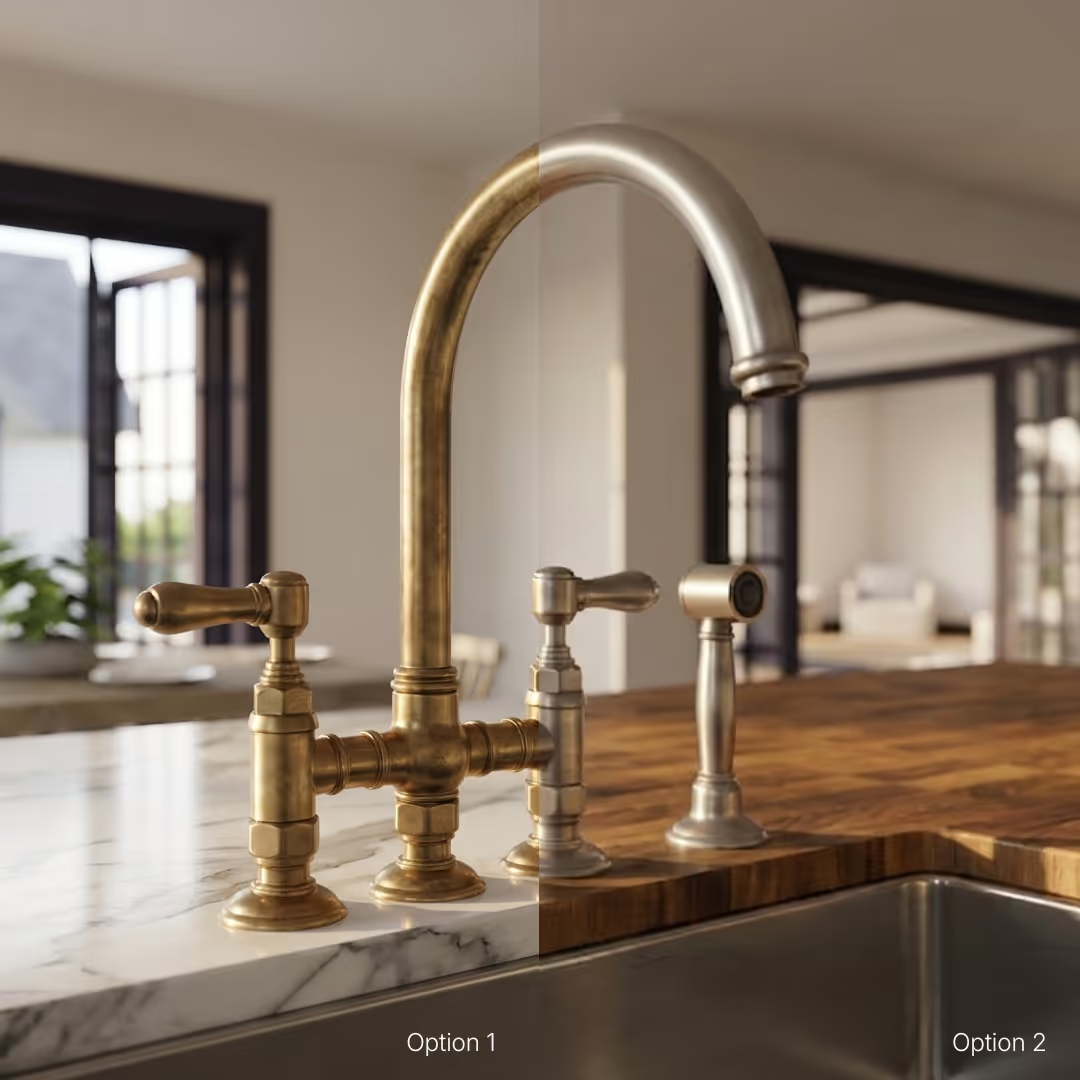
Test finishes, furniture, lighting, and mood without rebuilding the scene from scratch.
Create visuals for listings, socials, EDMs, brochures, and client presentations.
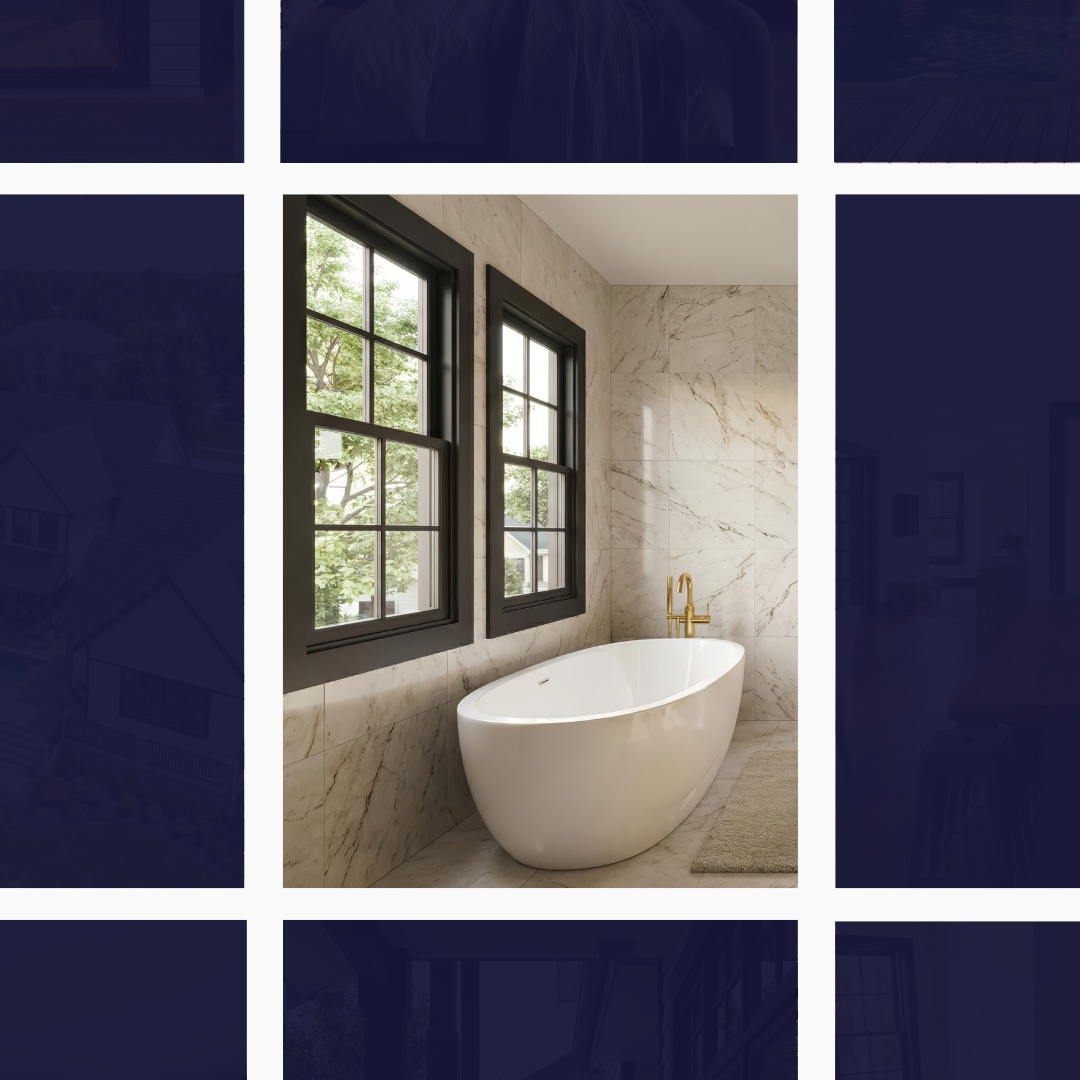
Create short walkthrough clips and sales moments that help buyers understand the home faster.

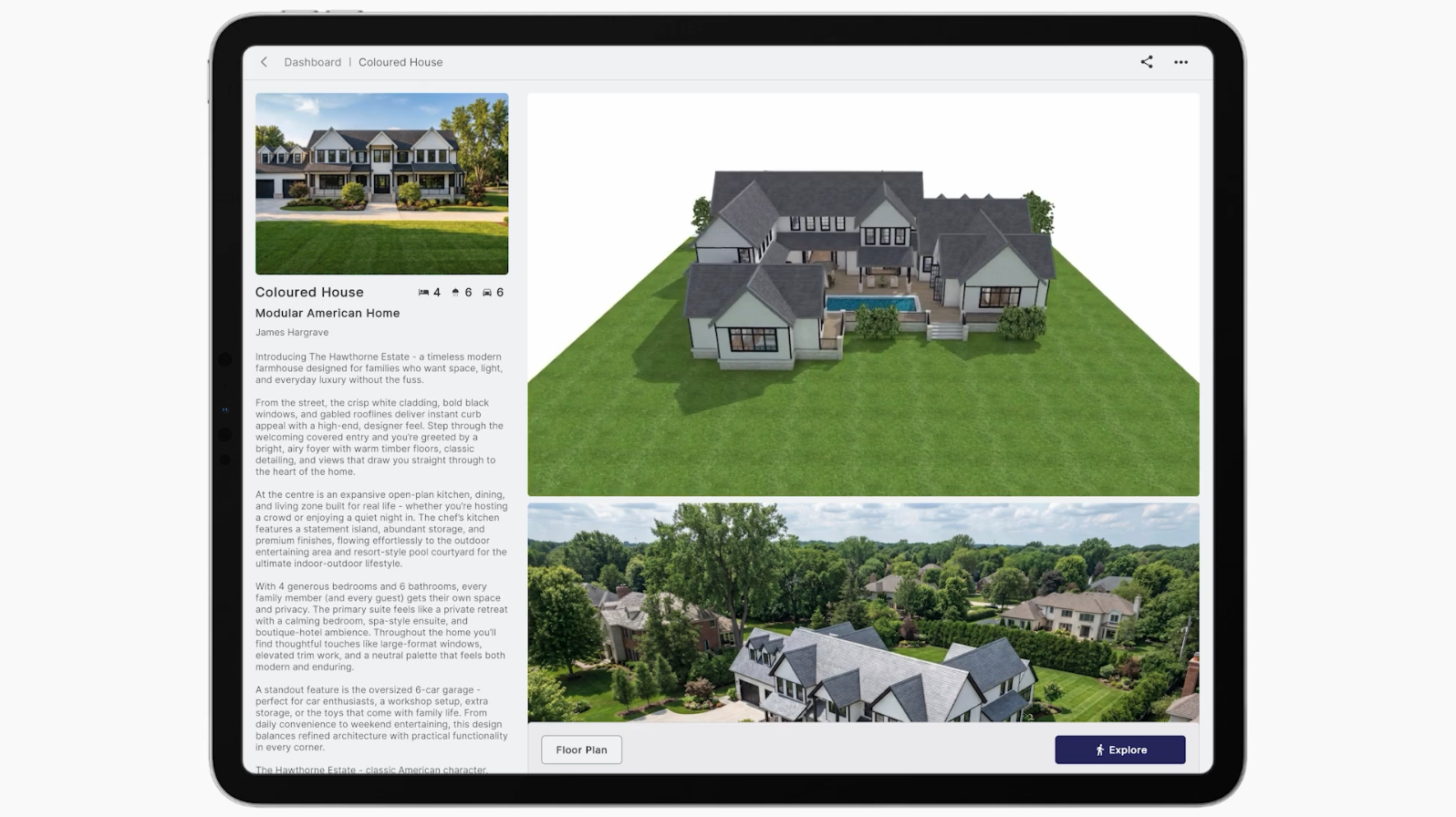
Bring the walkthrough, renders, plans, and project details together in a page your client can open, revisit, and share after the meeting.

Walkthrough, renders, and plans together
Client-ready and easy to share
Built for meetings, follow-up, and sign-off
One place for the conversation to keep moving
Use Enviz where flat files usually leave people guessing.
Let clients walk the design before decisions become expensive.
Send a Space they can revisit, share, and explain at home.
Create accurate renders, scenes, and sales content from inside the Space.
When builders see Enviz in action, the value is immediate: clients understand the design faster, conversations get clearer, and the Space becomes something teams can use across presentations, sign-off, sales, and marketing.
If you're a client or any sort of professional in the design space, I think you're mad not to have your clients using Enviz.
Upload your 3D model and turn your next project into a Space clients can walk through, share, and decide from.
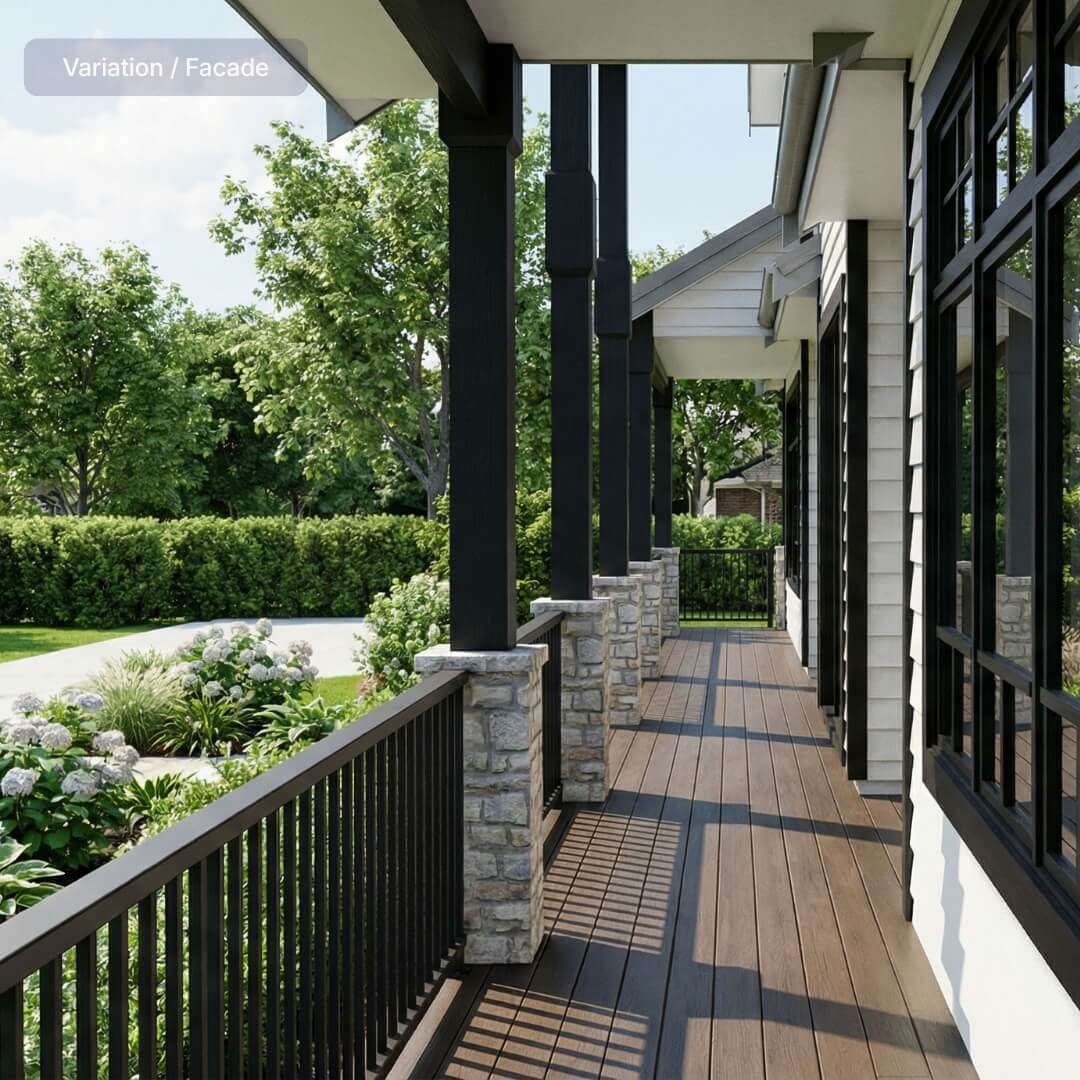
Explore the finished Space.
Revise the design.
Mobile, tablet, browser, headset.
Add visuals when needed.
For a straightforward client presentation when one model, one preview, and one completed Space is enough.
Includes 1 preview and 1 Enviz Space

Revise as the design evolves.
Review until it’s ready.
Create visuals freely.
Add motion to elevate your visuals.
One clean line item for the whole build. Unlimited previews and AI renders for the same home, so the cost is clear before the design starts moving.
All-inclusive for one home. Yours to keep.
The practical details behind files, previews, devices, AI renders, sharing, and how Enviz fits into your existing workflow.
The 3D model your design team already works in — Revit, ArchiCAD, SketchUp, or 3ds Max. No clean model yet? Send a floor plan and our modelling partners can build it for you.
A preview can be ready in as little as 20 minutes, depending on file and project complexity. You review it, make changes, and approve before the final presentation-grade home is processed.
It runs on mobile, tablet, browser, and VR headset. Present on an iPad in the office, send a link after the meeting, or run the full headset experience for a big presentation.
Yes. The model that powers the walkthrough also generates renders and video flythroughs from a text prompt — for showing options, sending a partner who couldn't attend, or showing why a requested change won't work.
Homes are the main use case, but the same workflow applies to any built space — offices, showrooms, clinics, display suites, and more.